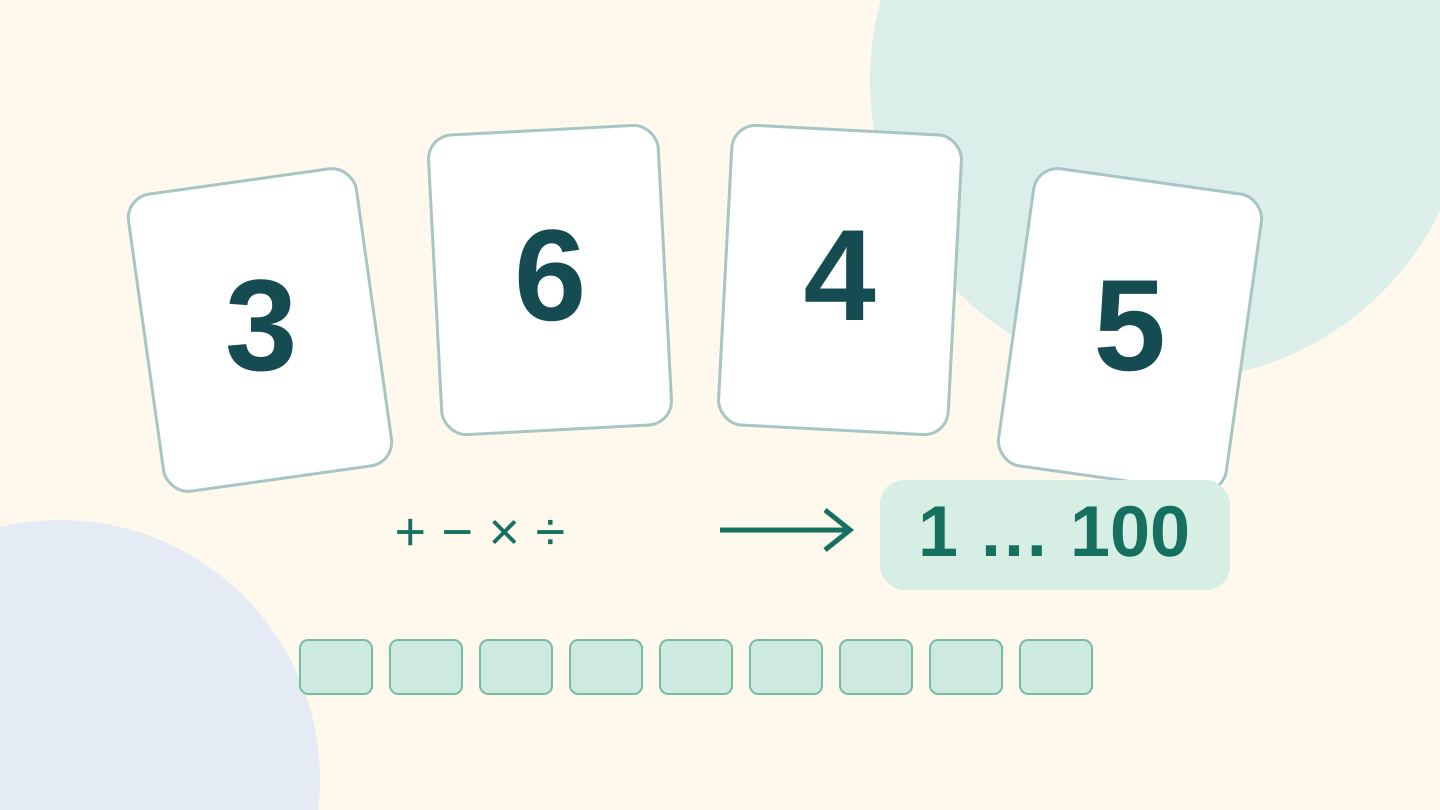
Choose four or five numbers and try to make as many different whole-number results from 1 to 100 as possible. In the Four or five numbers, one hundred targets lab, you can edit the numbers or draw them randomly. Green cells show reachable results: tap one to read a formula and every calculation step.

The rules
The 4 numbers / 5 numbers selector keeps both modes in the same lab. Use all entered numbers exactly once each, in any order, with +, −, ×, ÷ and parentheses. Equal values occupy separate positions and must both be used. Fractions and negative numbers are allowed in intermediate steps; division by zero is not. Joining numbers, powers, roots and factorials are not allowed. Manual values are whole numbers from 1 to 99; random draws may contain repeated values.
The five-number mode
Select 5 numbers to add the fifth value. Formulas use all five numbers and show four operations. With 3, 6, 4, 5 and 2, all 100 targets are reachable. For example: (((3 + 6) − 4) × 5) × 2 = 50. First 3 + 6 = 9, then 9 − 4 = 5, followed by 5 × 5 = 25, and finally 25 × 2 = 50. Switching back to four numbers excludes the fifth value from the calculation.
An example: 3, 6, 4 and 5
These four numbers make 69 different results out of 100. For example, to make 25: ((3 + 6) − 4) × 5 = 25. The steps are 3 + 6 = 9, 9 − 4 = 5 and 5 × 5 = 25. The last 5 is the fourth number; the other 5 is the result of the earlier steps.
Why allow intermediate fractions?
With 3, 3, 8 and 8, you can make 24 using 8 ÷ (3 − 8 ÷ 3) = 24: first 8 ÷ 3 = 8/3, then 3 − 8/3 = 1/3, and finally 8 ÷ (1/3) = 24. Excluding fractions would change the rules and hide valid results.
The challenge: improve your coverage
Each different result earns one point, even if it has many formulas. Change one number at a time and compare the numbers turning green or grey. Try equal numbers, nearby values and more widely spaced values: larger numbers do not guarantee better coverage. The lab keeps your session record and lets you restore the best four numbers; it does not claim that 69 is the absolute maximum.
What does grey mean?
The calculation examines all combinations of the four operations and parentheses, using each number once, with exact fractions. A grey cell therefore means that result cannot be made under these rules. Open the lab and find your best four numbers.
Best, worst and session records
The buttons compare all groups with repeated values in the selected range: up to 1–20 with four numbers and up to 1–10 with five. Order does not affect the results, so each group is checked once. This is an exhaustive comparison within the stated range, not a random search. If several groups tie, one is shown. Session records are separate for four and five numbers and reset when the game is closed or reloaded.